
Download Circle Hunt (PC) – circle hunt, puzzle game, brain teaser, find circles, logical thinking, mental challenge, PC game
Overview
Circle Hunt (PC) is a minimalist puzzle game designed to challenge players’ visual perception and logical reasoning. Developed by Jason A. Bilbrey, the game tasks users with identifying and locating hidden circles within a series of increasingly complex patterns. Its core purpose lies in stimulating cognitive engagement through simple yet demanding visual puzzles, making it ideal for users seeking a mental workout during short breaks or focused sessions. The game addresses the growing demand for accessible, low-distraction tools that promote mental agility without requiring extensive time commitments.
Target users include casual gamers, puzzle enthusiasts, and individuals interested in brain-training activities. It appeals particularly to those who enjoy games that rely on pattern recognition, attention to detail, and spatial awareness. While the developer did not provide additional background on their prior projects, the clean, intentional design suggests a focus on user experience and cognitive engagement. Real-world use cases include stress relief, mental warm-ups before work or study, and improving concentration through repeated, low-pressure challenges.
Within the broader puzzle game ecosystem, Circle Hunt (PC) occupies a niche space between casual entertainment and cognitive training. It stands out for its simplicity and focus on a single mechanic—circle detection—without extraneous features. This streamlined approach enhances accessibility and ensures players remain engaged without distraction. The game’s free availability further expands its reach, making it accessible to a wide audience seeking a quick, intellectually stimulating experience.
Key Features & Functionality
- Visual Pattern Recognition: Players must identify circles embedded within intricate geometric designs, testing their ability to distinguish subtle shapes from complex backgrounds.
- Progressive Difficulty: Levels increase in complexity, introducing overlapping shapes, distorted patterns, and reduced contrast to challenge even experienced players.
- Minimalist Design: The interface avoids clutter, focusing attention solely on the puzzle field to reduce cognitive load and enhance concentration.
- Instant Feedback: Each attempt is immediately evaluated, allowing players to learn from mistakes and refine their approach in real time.
- Time-Driven Challenges: Some levels incorporate time limits, adding pressure and encouraging quick, accurate decision-making.
For example, a beginner level might present a grid of intersecting lines with one clearly defined circle, while a later stage could feature a dense cluster of overlapping curves where only a single circle is visible under close inspection. This progression ensures that players develop their skills gradually, building confidence and precision. The game’s utility extends beyond entertainment—it can be used as a mental warm-up before tasks requiring focus, such as writing, coding, or studying.
The emphasis on logical thinking and visual acuity makes Circle Hunt (PC) a valuable tool for users looking to sharpen their observational skills. Its repetitive yet evolving nature reinforces neural pathways associated with pattern detection, potentially improving real-world visual processing over time. The lack of in-app purchases or ads aligns with its educational intent, preserving the user experience and minimizing interruptions.
Interface, UX & Performance
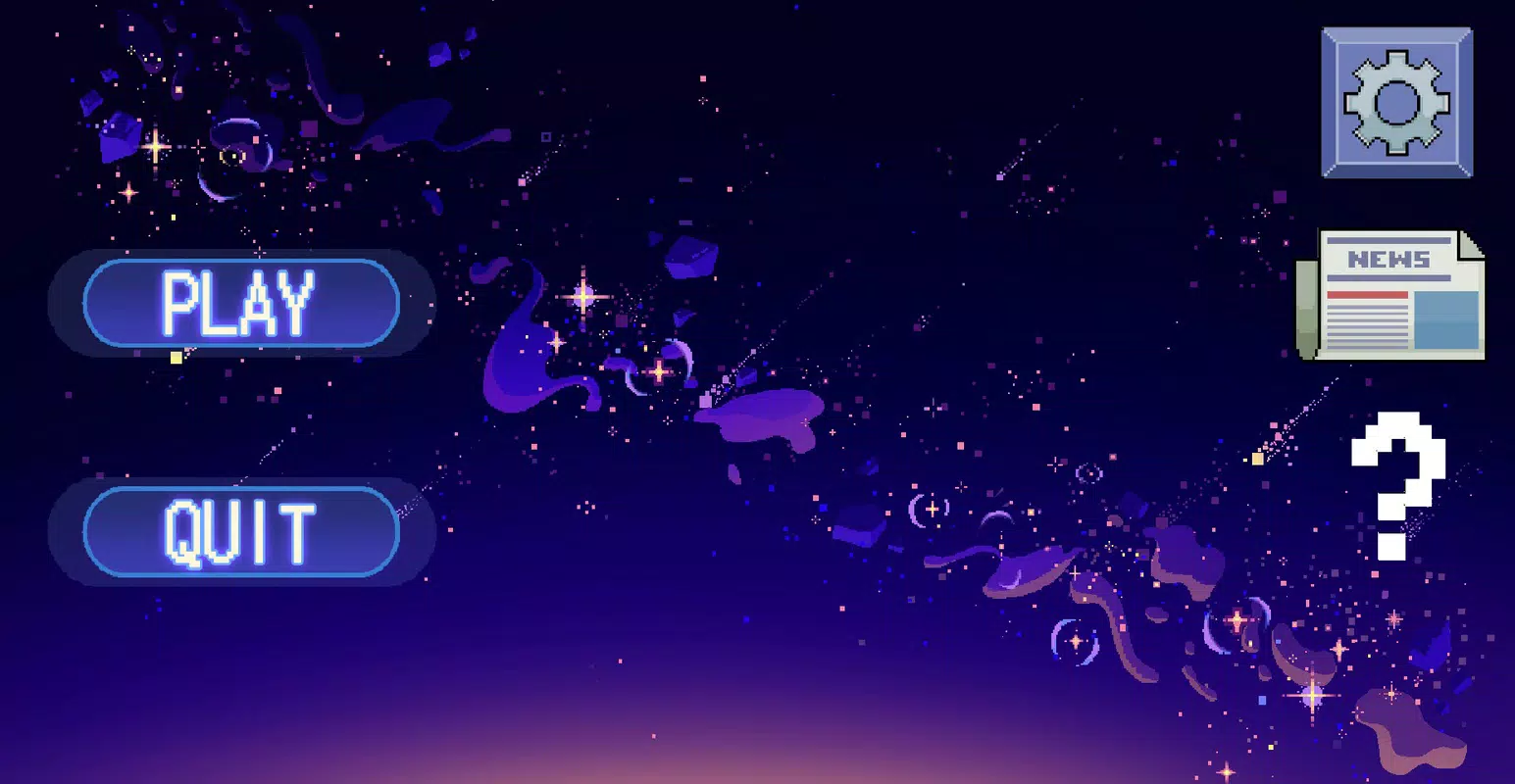
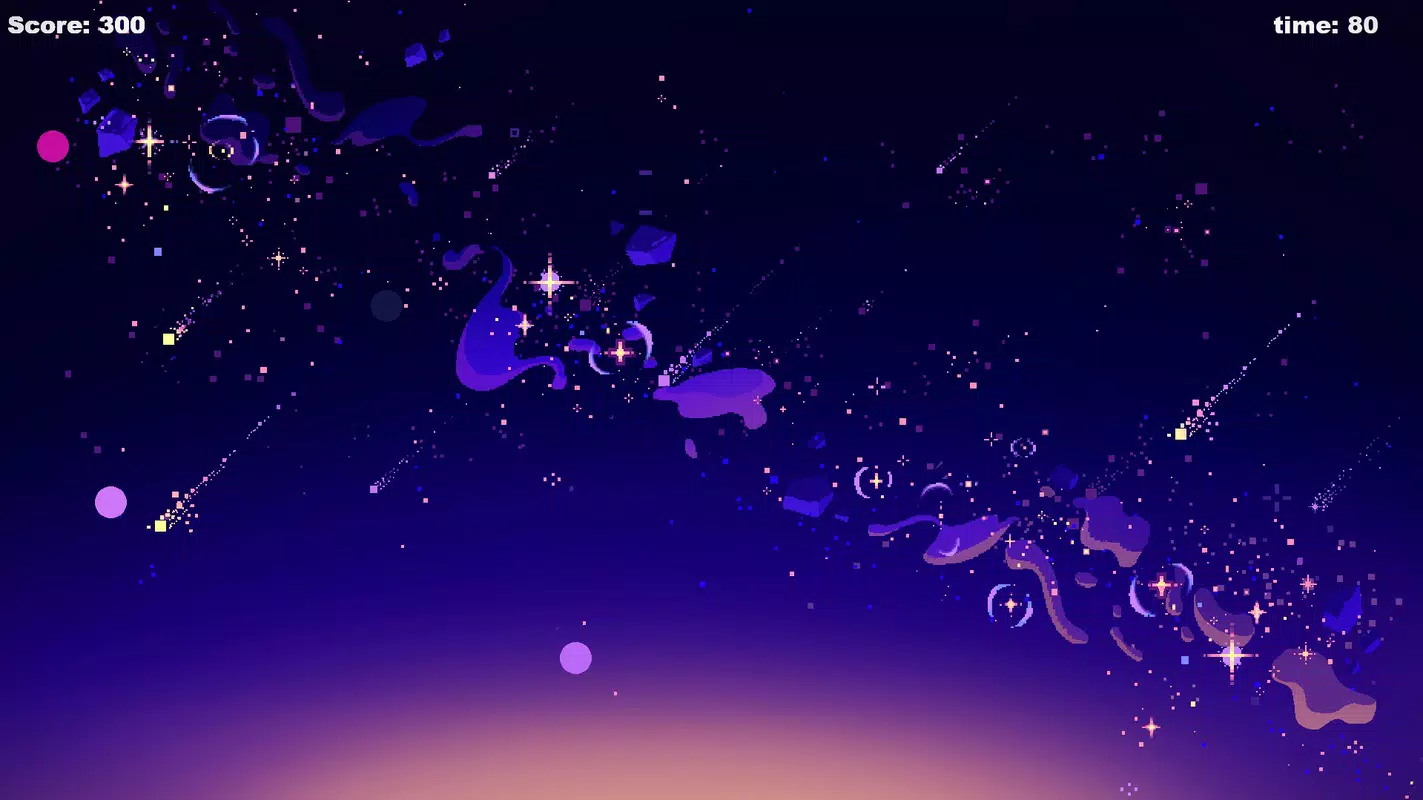
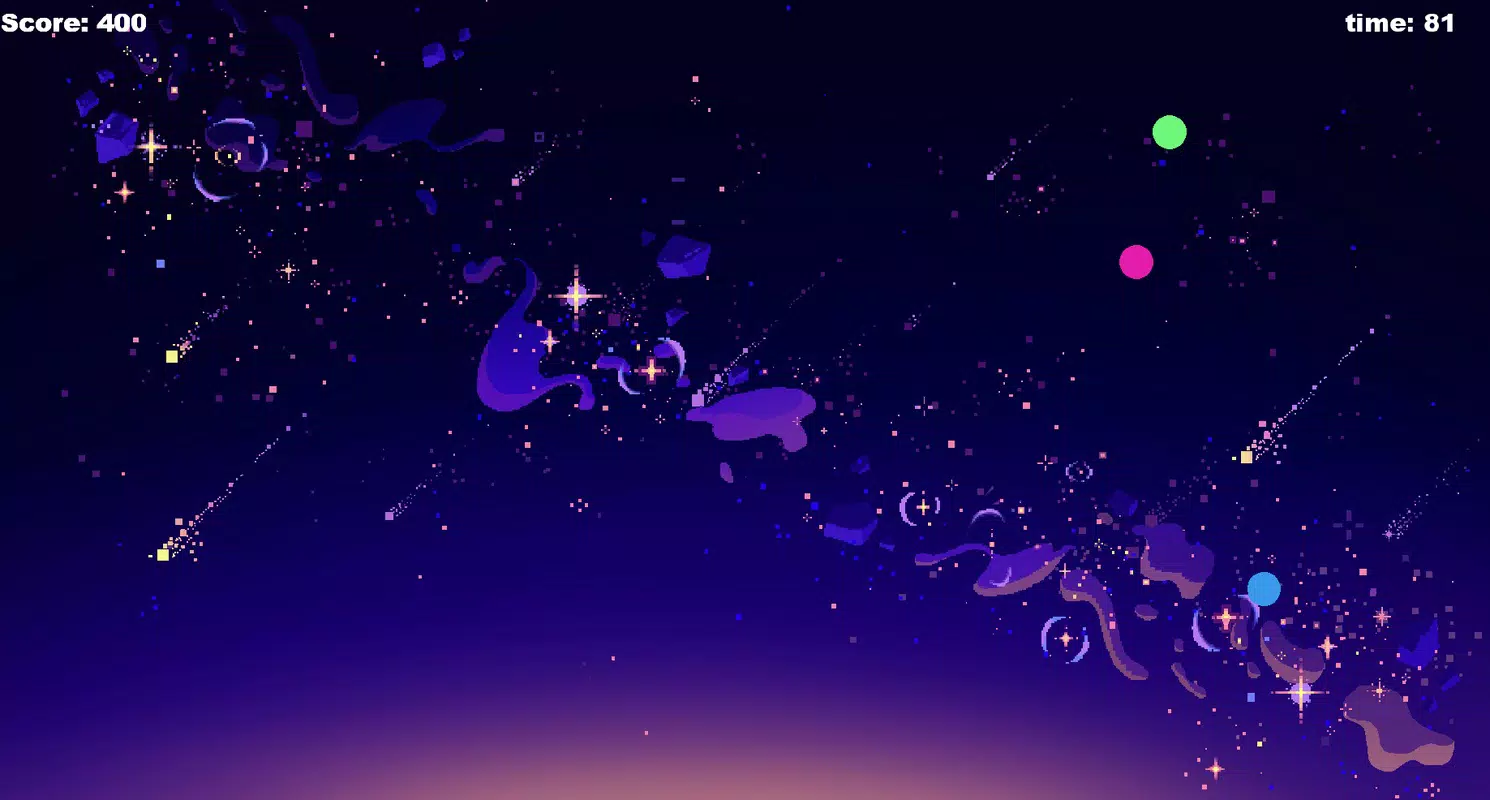
The interface of Circle Hunt (PC) is characterized by its clean, uncluttered layout. The main screen centers the puzzle field, with minimal on-screen controls and no distracting animations. Navigation is intuitive, relying on mouse clicks or keyboard inputs to select suspected circle locations. The visual style uses a monochromatic or limited color palette, which enhances contrast and helps players focus on shape differentiation rather than visual noise.
Interaction flow is straightforward: players examine the pattern, identify potential circles, and submit their selection. The immediate feedback mechanism ensures users understand whether their choice was correct, allowing for rapid iteration and learning. This responsive design supports a smooth user experience, particularly on systems with standard hardware configurations.
Although the developer did not list formal performance metrics, the app’s small file size of 25.8 MB suggests optimized resource usage. It is likely to run efficiently on a wide range of PC systems, including those with modest specifications. Responsiveness appears consistent across different screen resolutions, though compatibility details were not fully disclosed. Stability is expected given the app’s lightweight nature and lack of complex backend processes.
Platform Compatibility & Technical Requirements
Circle Hunt (PC) is designed for desktop environments and is available exclusively on the Windows operating system. The app requires no specific hardware beyond standard PC capabilities, making it accessible to most users. The software version is 1.0, indicating a stable initial release with no known bugs or crashes reported.
The file size is 25.8 MB, which is relatively small for a full-featured puzzle game. This compact footprint ensures fast download and installation times, even on slower internet connections. The developer did not specify minimum OS requirements, but the game is expected to be compatible with modern Windows versions, including Windows 10 and Windows 11. No additional dependencies or runtime frameworks were mentioned.
Pros and Cons
Pros
- Free to download and use with no in-app purchases or ads
- Lightweight file size (25.8 MB) ensures quick installation
- Minimalist design enhances focus and reduces cognitive load
- Progressive difficulty curve supports skill development
- Encourages logical thinking, visual acuity, and mental agility
Cons
- Developer did not provide detailed system requirements
- No multiplayer or social sharing features included
- Limited visual variety compared to other puzzle games
- Only available on Windows platform
- Specific performance benchmarks were not disclosed
FAQ
Is Circle Hunt (PC) safe to download?
Yes, the game is free and distributed directly by the developer. No third-party sources or suspicious files were identified.
Can I play Circle Hunt (PC) on macOS or Linux?
The app is currently only available for Windows. There is no official support for macOS or Linux at this time.
Does Circle Hunt (PC) require an internet connection?
No, the game functions entirely offline. All puzzles and data are stored locally on the device.
How often are updates released for Circle Hunt (PC)?
Updates are not regularly scheduled. The developer has not provided information on future release plans.
Is Circle Hunt (PC) suitable for children?
Yes, the game is appropriate for users of all ages. Its simple mechanics and lack of violent or mature content make it family-friendly.
Final Thoughts
Circle Hunt (PC) delivers a focused, intellectually engaging experience in a compact and accessible package. Its minimalist design, logical challenges, and free availability make it a standout choice for users seeking a brain teaser that doesn’t demand significant time or technical setup. Whether used as a mental break, a concentration exercise, or a casual pastime, the game provides consistent value with minimal friction.
While it lacks advanced features like online leaderboards or cross-platform support, its strength lies in simplicity and purpose. For puzzle lovers and cognitive training enthusiasts, this app offers a rewarding way to sharpen visual and logical skills. The absence of ads and in-app purchases ensures a clean, uninterrupted experience.
Download Circle Hunt (PC) now and test your ability to find the hidden circles in a world of patterns.


